Four steps.
Zero effort.
Terminal Biographer runs quietly in the background while you work. At the end of the day, it hands you a complete narrative of everything you built. Here’s exactly how.
Everything is recorded automatically
The moment you start Terminal Biographer, it begins listening. Terminal commands, git activity, file edits, AI conversations. Every meaningful event is timestamped and stored.
On Android, the Share Sheet lets you capture text from Claude, ChatGPT, Gemini, or any other app. Just share to Terminal Biographer and it joins your daily timeline.
You never have to remember to log anything. The system captures it all, so you can focus entirely on the work.
09:17 $ code src/auth/session.ts
09:32 $ npm test — –watch auth/
PASS auth/session.test.ts (4 suites)
09:45 $ git commit -m “fix token refresh race condition”
10:02 [claude] debug CORS preflight on /api/share
10:18 $ curl -X POST localhost:7749/api/share
{“status”: “ok”, “views”: 0}
10:30 $ git push origin fix/auth-middleware
// 47 events captured. 6.2h active.
Locked down before it hits disk
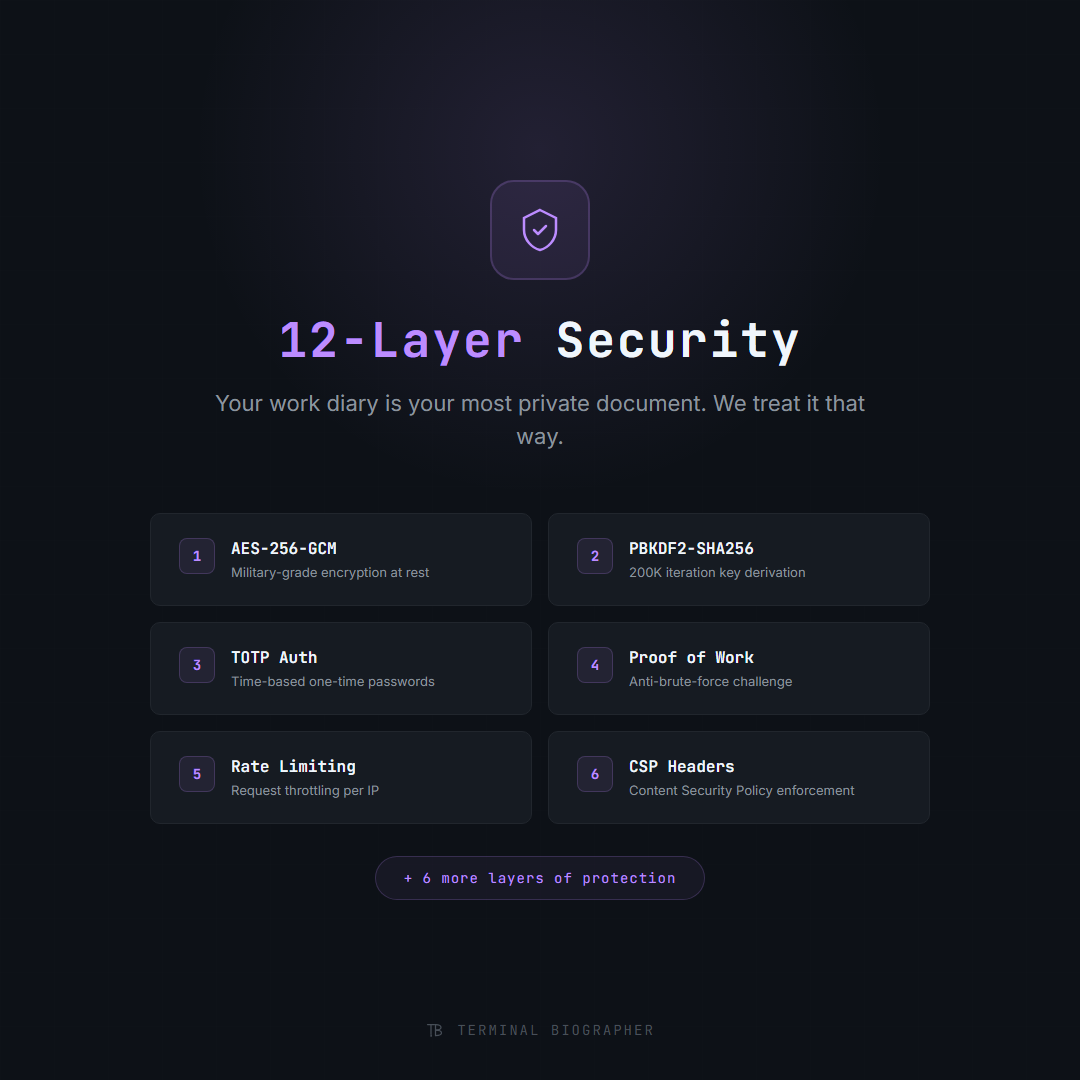
Every captured event is encrypted with AES-256-GCM immediately, before it’s written to storage. Your data exists in plaintext only in memory, never on disk.
Your master password derives the encryption key through PBKDF2 with 600,000 iterations. Even if someone gets physical access to your machine, your captured data is unreadable without the key.
When cloud sync is enabled, data travels encrypted over TLS and remains encrypted at rest in Supabase. The server never sees your plaintext events.
Your day becomes a story
At 11:59 PM, the summarizer wakes up. It reads your captured events, identifies projects, groups activities by theme, and generates a narrative.
The free tier uses smart template heuristics. No API calls, no internet needed. It recognizes patterns like “fixed a bug” vs “built a feature” vs “reviewed code” and structures the summary accordingly.
Premium users get Claude-powered summaries: natural language narratives that read like a dev blog post, ready to share on LinkedIn or Slack with minimal editing.
Daily Summary — April 14, 2026
Fixed a critical race condition in the auth middleware that was causing intermittent token refresh failures. The bug surfaced when two concurrent requests both tried to refresh an expired token simultaneously.
Debugged the CORS preflight issue on the share endpoint with Claude, then deployed the fix and verified the share API returns clean 200s. Pushed the branch and opened a PR.
3 projects • 47 events • 6.2h active • 4 commits • 1 PR opened
Browse, edit, and share
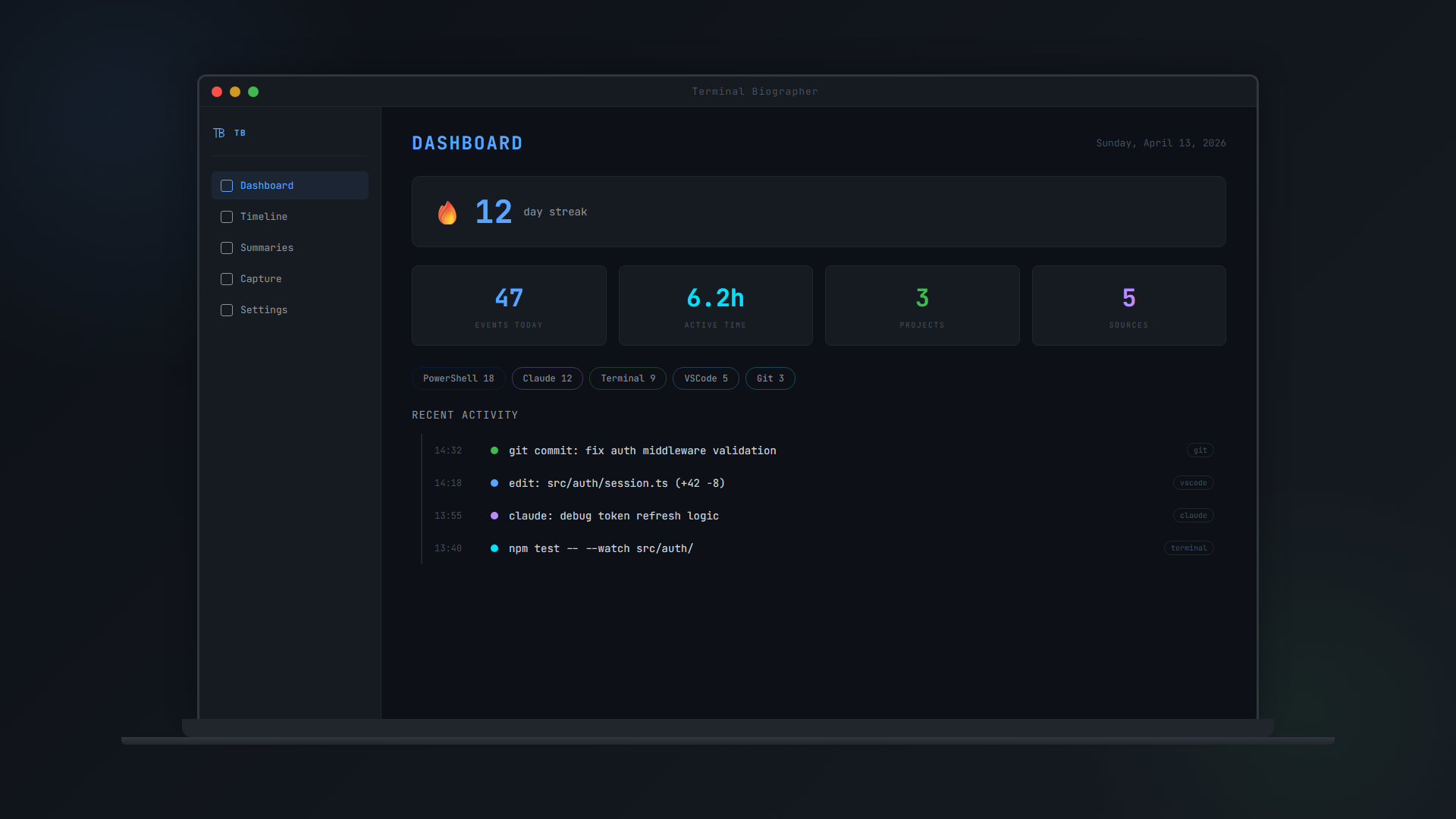
Open the app and your developer biography is waiting. Browse daily summaries, scroll through your event timeline, check your streak, and see stats on your coding activity.
The split-pane summary editor lets you polish narratives before sharing. See the raw AI output on one side, your edited version on the other, with live preview.
Generate shareable cards with a single tap. Post to LinkedIn, Slack, or anywhere. Track who viewed your summaries with the built-in analytics dashboard.
What a typical day looks like
From first commit to published summary, here’s how Terminal Biographer fits into a real developer’s workflow.
Start working
Terminal Biographer is already running. You open your terminal and start coding. Everything is captured automatically.
Debug with Claude
You use Claude to debug a tricky issue. Share the conversation to TB via Android Share Sheet.
Ship a feature
You push a branch, open a PR, merge to main. Every git event is captured with commit messages, diffs, and branch names.
Done for the day
You close your laptop. That’s it. No journaling, no logging, no standup notes to write.
Summary generated
The summarizer runs automatically. A complete narrative of your day is waiting for you tomorrow morning.
Review and share
Open the app, read your summary, edit if needed, share to LinkedIn with one tap. Your standup is already written.
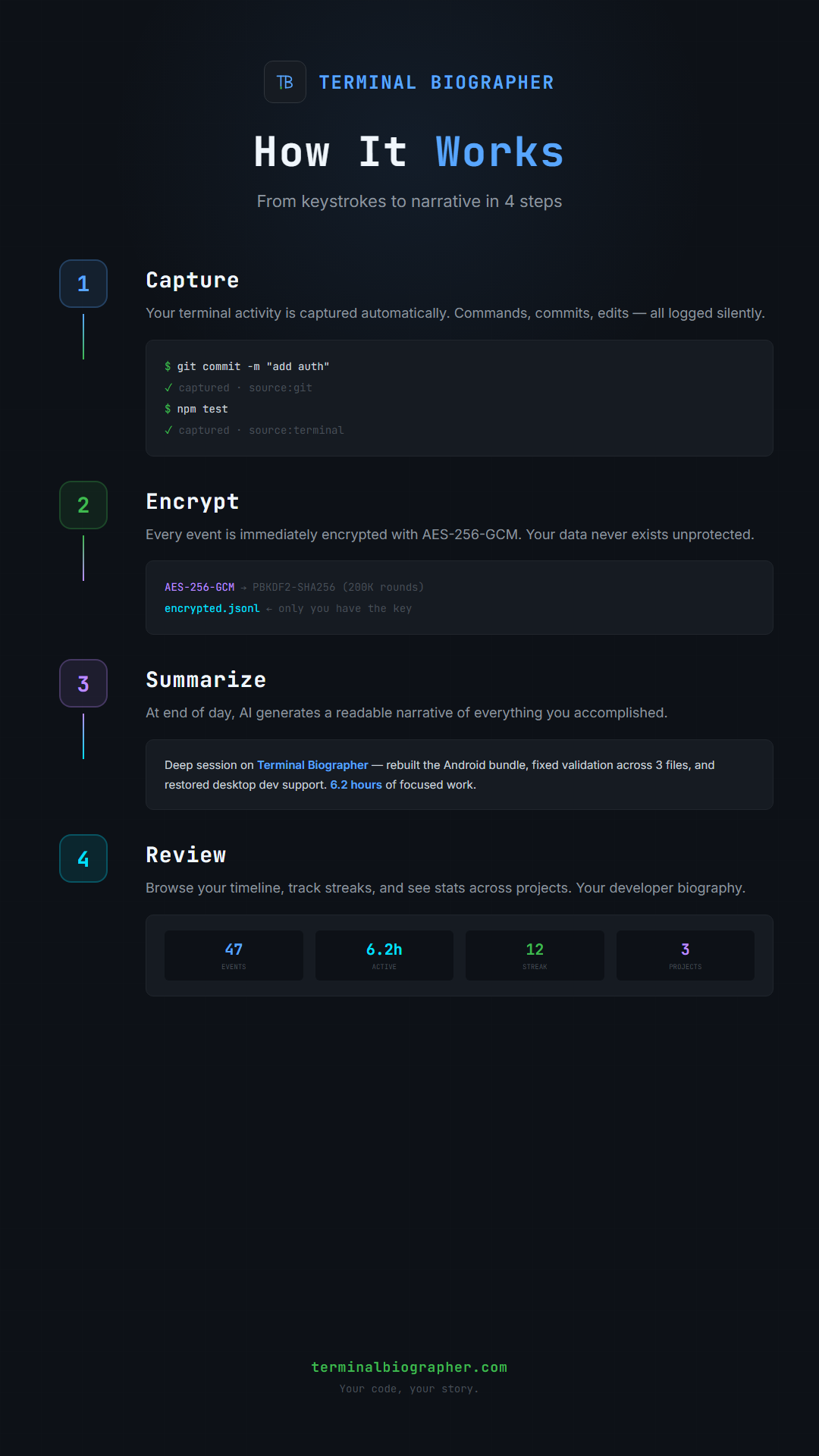
Capture. Encrypt. Summarize. Share.
The complete flow from raw events to published summary.
Start writing your dev story today
Join the waitlist for early access to Terminal Biographer on desktop and Android.